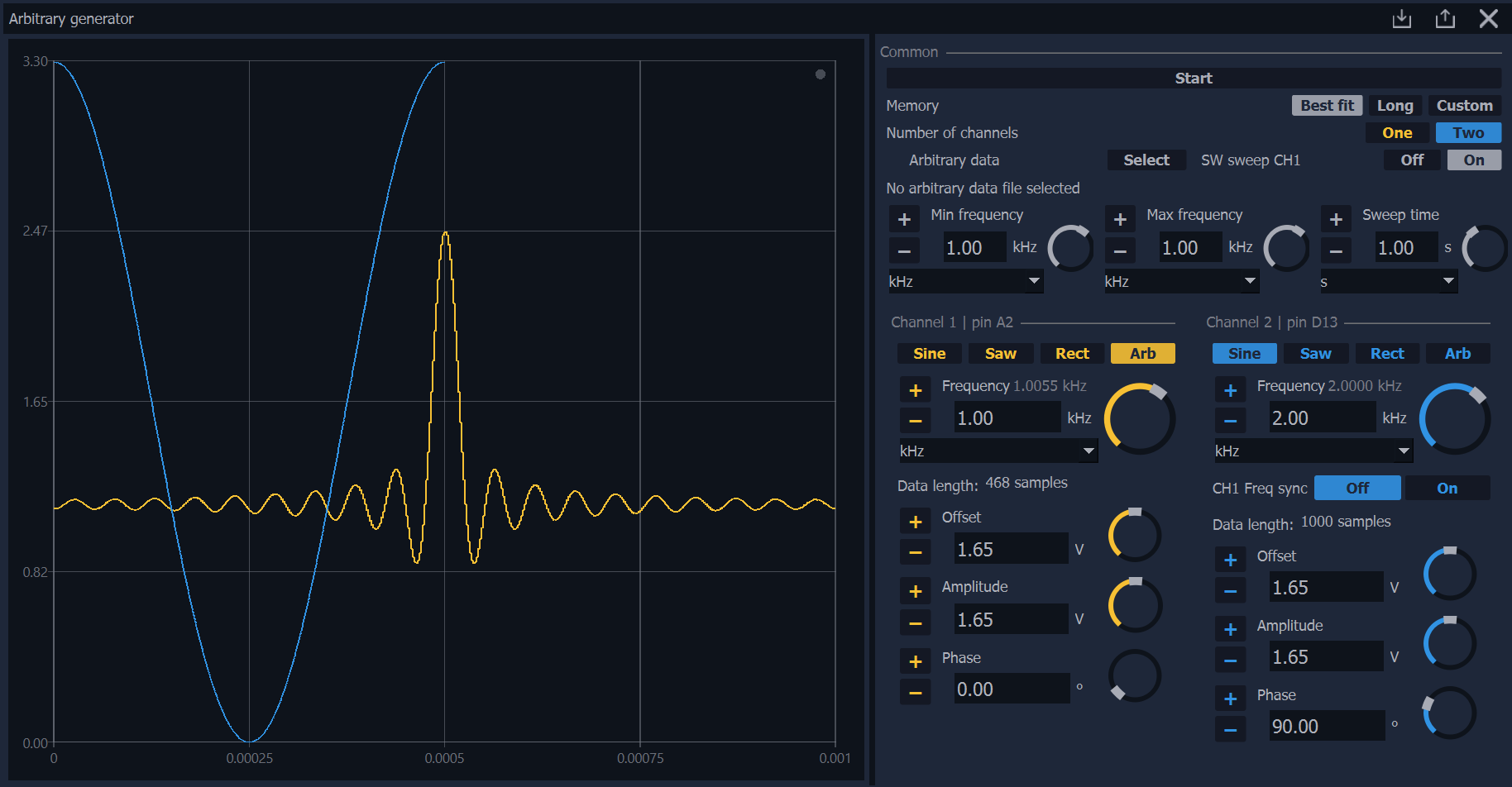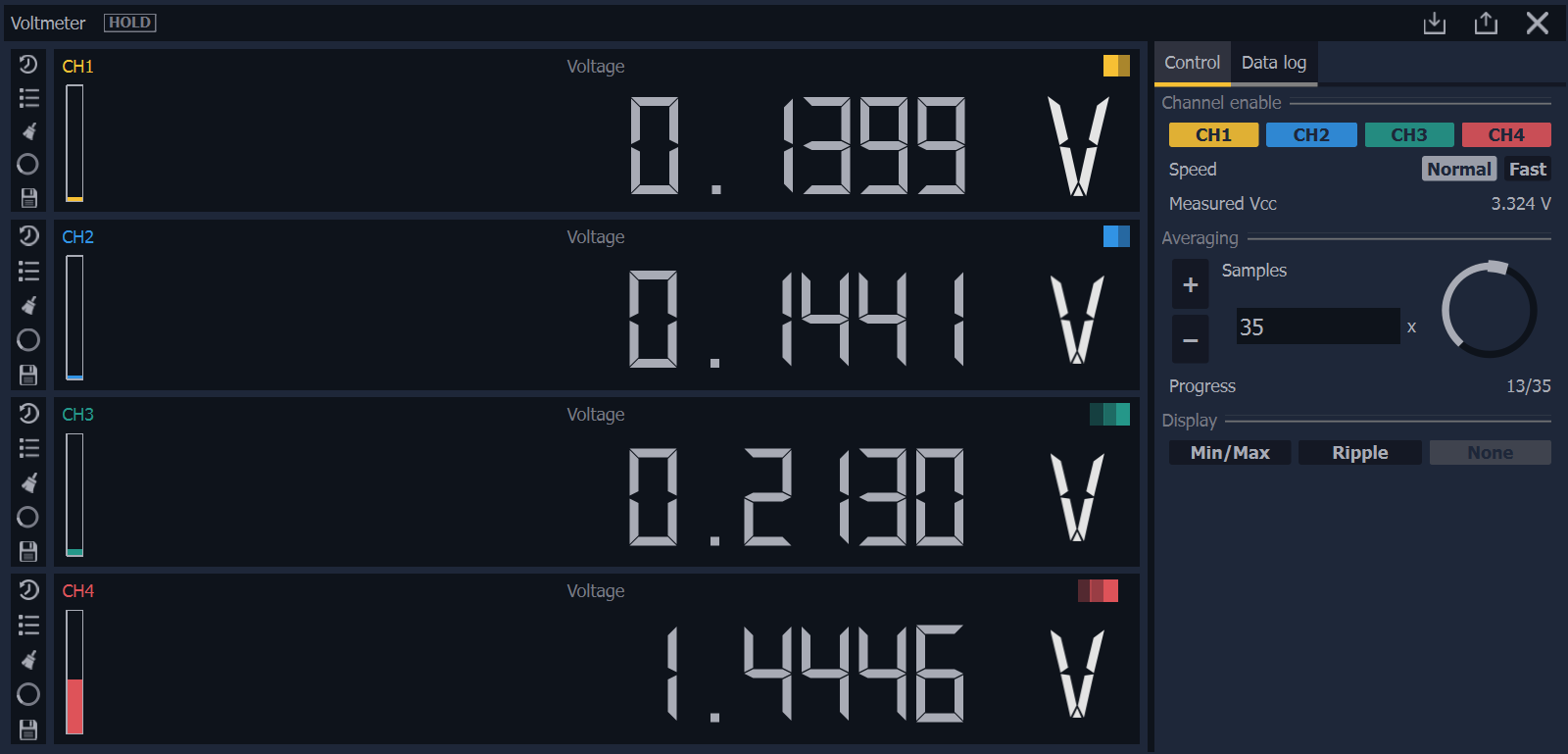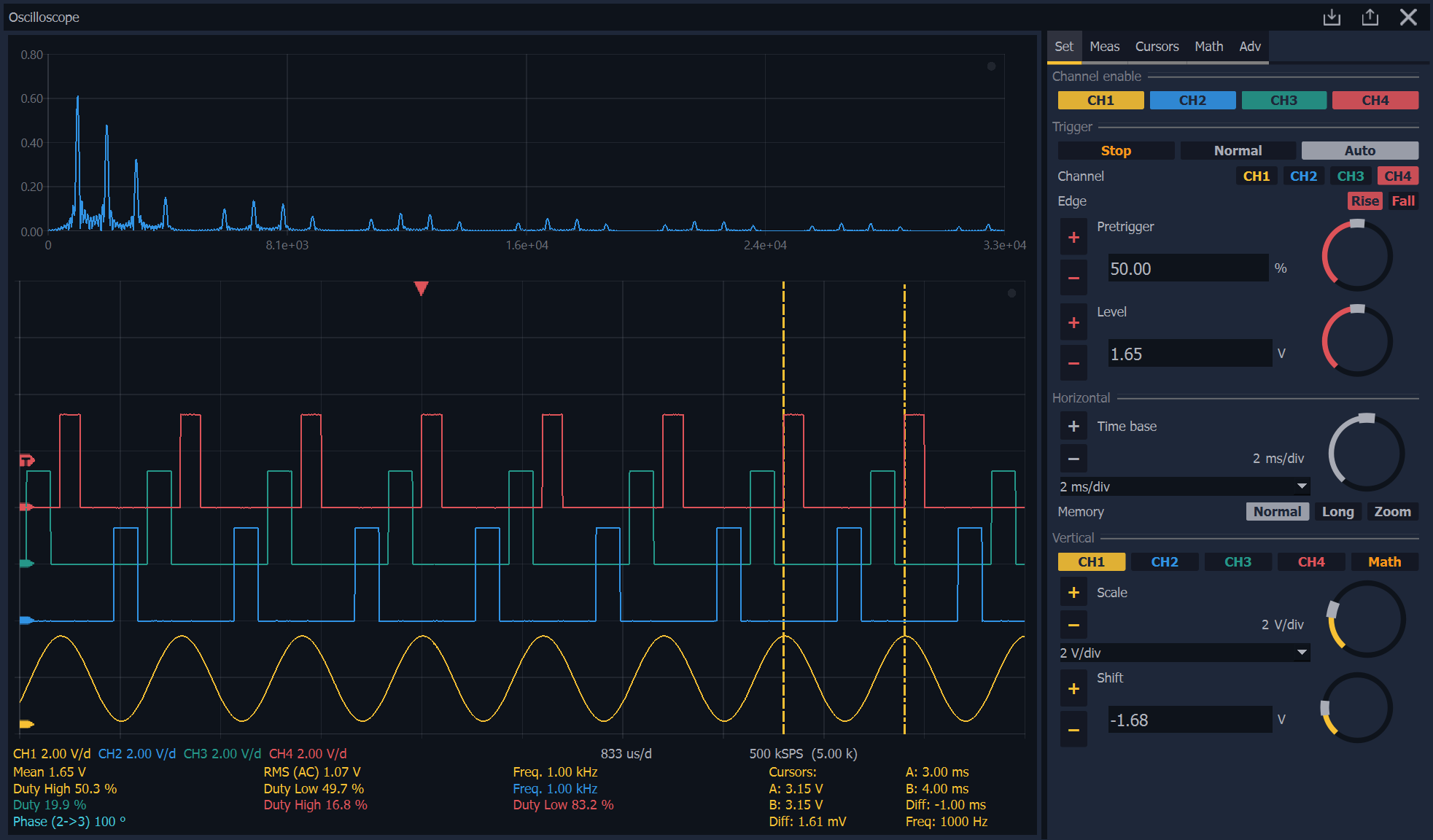
Get started
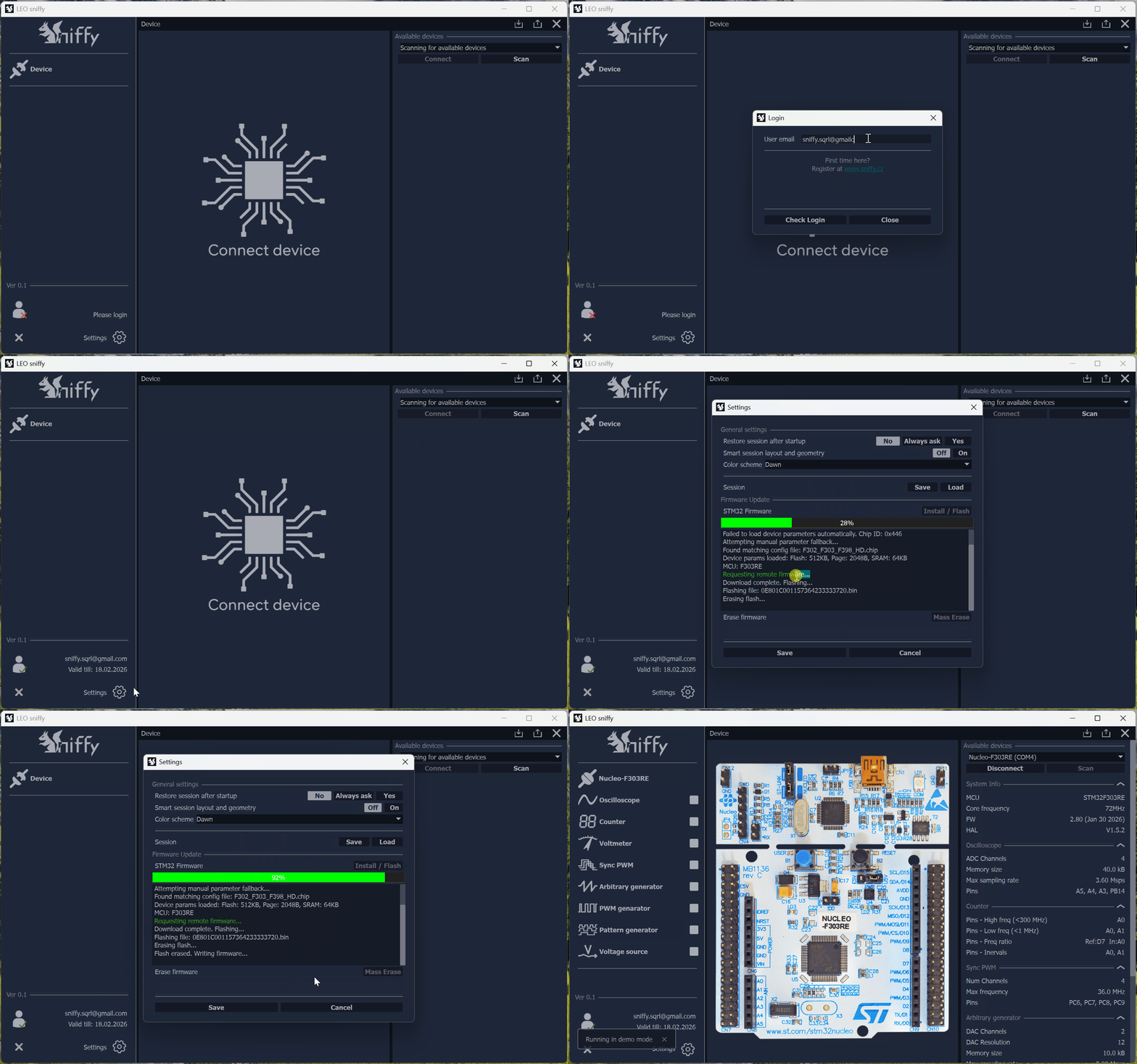
Note: in some corporate environments, automatic firmware flashing may be blocked by security policies (e.g. firewall, antivirus, Microsoft Defender or internal company restrictions). In such cases, you can manually download the binary file in Device Manager and flash it manually.
Technical specification:
Supported OS:
- Windows (10/11) 64bit
- Linux (Debian / Ubuntu)